


Description
Grove Starter Kit for Arduino
Grove Starter Kit for Arduino is an absolutely fabulous kit. It is ideal for beginners. Grove starter kit is all modular and no soldering is required. You don't need any extra jumper wires either. You simply plug in any modules to your Arduino, via the base shield. In the kit are a base shield and 15 modules. The Arduino is not included.
It is a modular, electronic platform for quick and easy prototyping. Each module carries out one function, for example, touch sensing or creating an audio effect. Just plug in a module into the base shield and get testing your ideas!
The Grove Starter Kit for Arduino is ideal for beginners
It’s easy and quick to complete a range of beginner projects. The Grove Starter Kit includes a handy user manual for beginners. You can learn by following the basic projects provided.
Beginners and students love this kit because it’s straightforward and simple to use. Drop your Grove base shield onto your existing Arduino and then connect up any of the 16 Grove modules provided. You can even connect other breakout boards and sensors to your Arduino.
Once you’ve worked through the beginner projects from the guide provided, you’ll be able to create more complicated projects.
Contents:
The Grove Starter Kit for Arduino contains the Grove interface called the base shield and 15 modules that plug into it.
These are:
- Base Shield 1
- LCD RGB Backlight
- Smart Relay 1
- Buzzer 1
- Sound Sensor 1
- Touch Sensor 1
- Rotary Angle Sensor 1
- Temperature Sensor 1
- LED 1
- Light Sensor 1
- Grove – Button 1
- Blue-Blue 1 DIP LED
- Green-Green 1 DIP LED
- Red-Red 1 DIP LED
- Mini Servo 1
- Grove Cables 10
- 9V to Barrel Jack Adapter 1
So that you don’t lose anything, the Grove Starter Kit for Arduino comes in a handy green, plastic box.
Note: This kit does not include an Arduino. Please shop for an Arduino Uno or Arduino Compatible Clone here.
Please watch the video below. This will give you an understanding of this Starter Kit. You will learn how to set up all the necessary software to start using your Grove modules. You'll also learn how to build interesting projects using the modules from this kit.
Videos
View AllClose
Additional Information
Brand: |
Seeed Studio |
Part Number: |
110060024 |
Barcode: |
5055421000875 |
Related Products

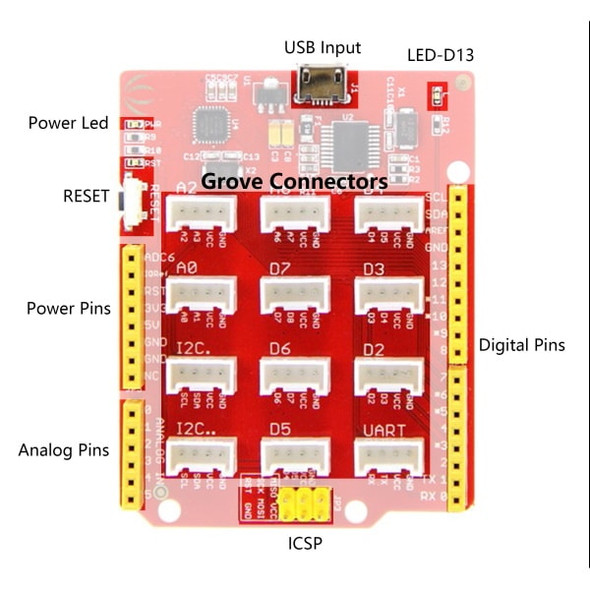
Grove Beginner Kit for Arduino
Seeed Studio

Arduino UNO Project Starter Kit
Proto-PIC
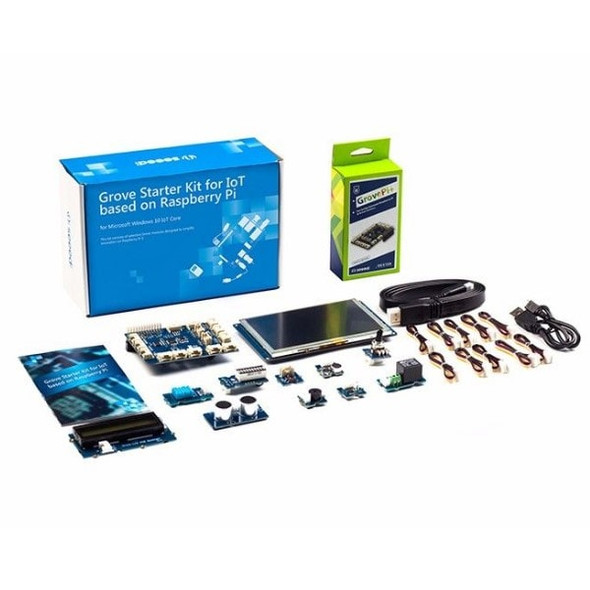
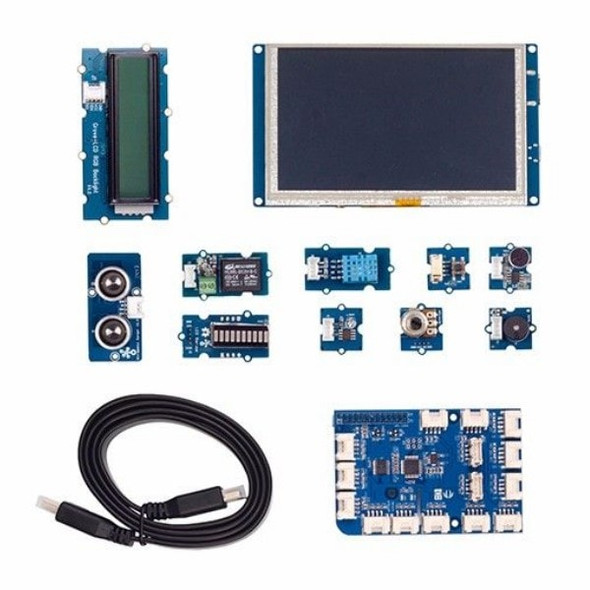
Grove Starter Kit for IoT based on Raspberry Pi
Seeed Studio
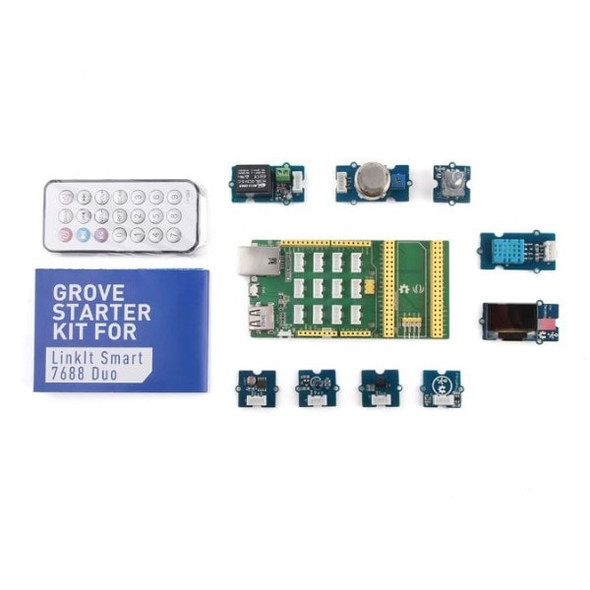

Grove Starter Kit for LinkIt 7688 Duo
Seeed Studio
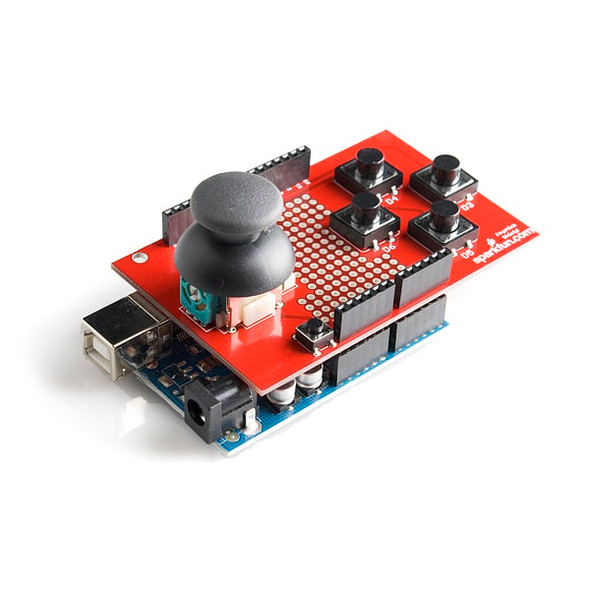

Joystick Shield Kit for Arduino
Sparkfun